Understanding the World with Data
STAT 20: Introduction to Probability and Statistics

Agenda

  • Introductions
  • The Data Science Lifecycle
  • Types of Claims with Practice
  • Course Structure and Syllabus
  • Intro to R and RStudio
  • Looking forward

Introductions

  • Let us first introduce ourselves!

Introductions

  • In groups of 3, take turns introducing yourselves to one another by providing the info listed on the handout (your name, hometown, etc).

  • Each person should finish with a handout filled-in with info on their groupmates. Make sure you save this for later this week!

05:00

The Data Science Lifecycle

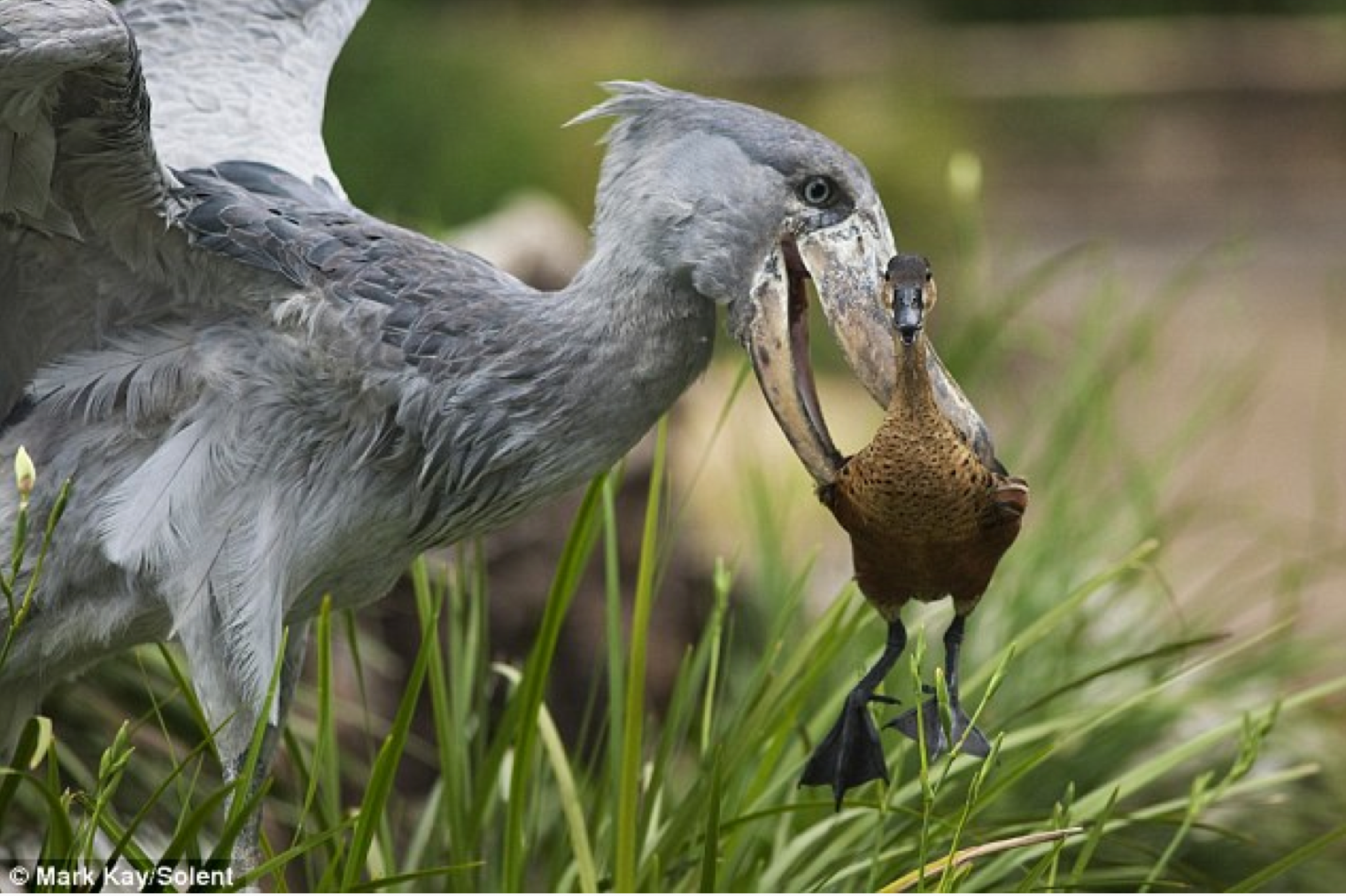
What’s going on here?

  • As a group, formulate at least three possible explanations for what’s going on in the picture.
03:00
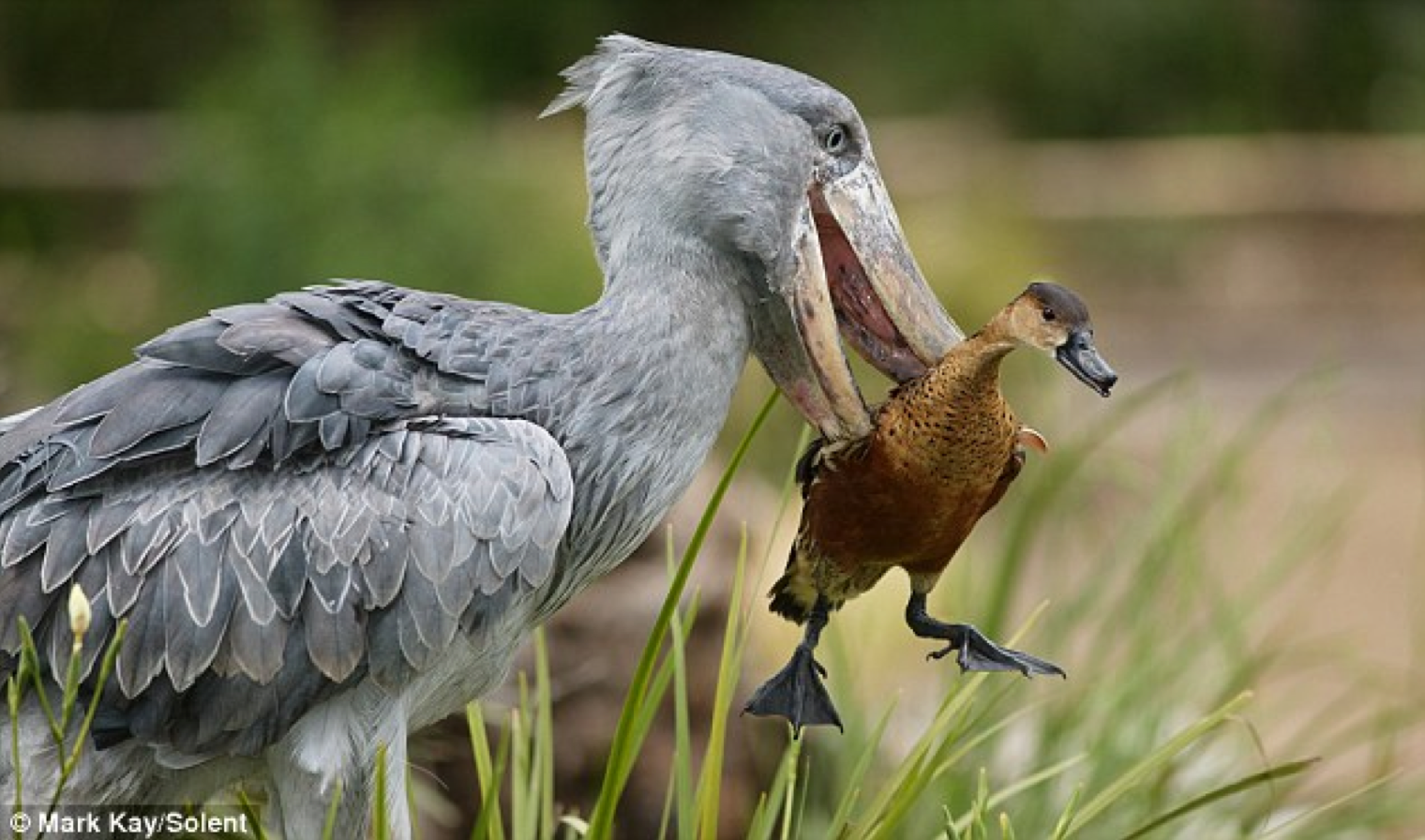

Photo of shoebill with duck in its mouth, at an angle.

Photo of shoebill with its bill open, having just dropped a duck, who looks surprised.

Understand
the World

Data

Understand
the World

Data

Takeaways from this exercise

We can call the process of:

  • having a question,
  • finding data to investigate that question,
  • reaching a conclusion,
  • and then thinking of a next step which starts everything over again
  • the data science lifecycle.

This lifecycle involves constructing and critiquing claims made using data: which is the main goal of our course!

Types of Claims

Course Goal

To learn to critique and construct
claims made using data.

To learn to critique and construct
claims made using data.

To learn to critique and construct
claims made using data.

To learn to critique and construct
claims made using data.

To learn to critique and construct
claims made using data.

To learn to critique and construct
claims made using data.

To learn to critique and construct
claims made using data.


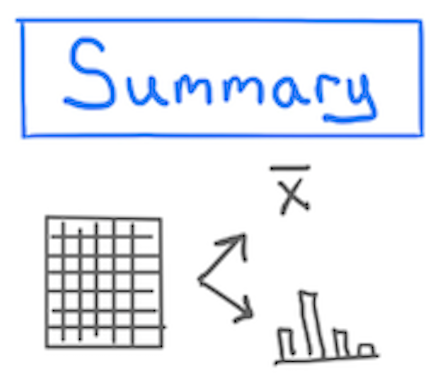
A numerical, graphical, or verbal description of an aspect of data that is on hand.


Example
Using data from the Stat 20 class survey, the proportion of respondents to the survey who reported having no experience writing computer code is 70%.
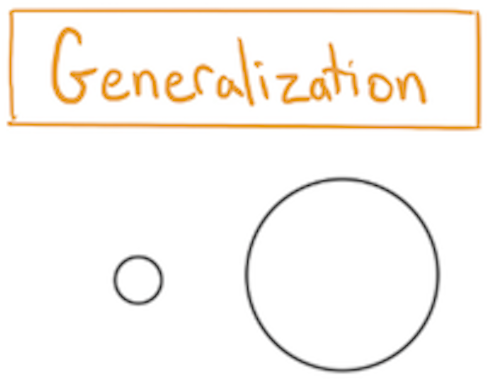

A numerical, graphical, or verbal description of a broader set of units than those on which data was been recorded.


Example
Using data from the Stat 20 class survey, the proportion of Berkeley students who have no experience writing computer code is 70%.
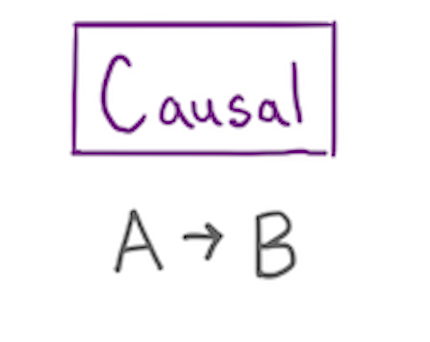

A claim that changing the value of one variable will influence the value of another variable.


Example
Data from a randomized controlled experiment shows that taking a new antibiotic eliminates more than 99% of bacterial infections.
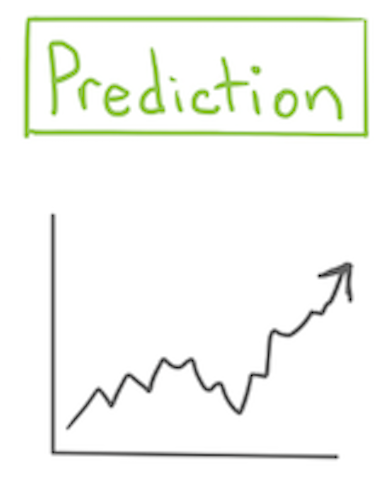

A guess about the value of an unknown variable, based on other known variables.


Example
Based on reading the news and the price of Uber’s stock today, I predict that Uber’s stock price will go up 1.2% tomorrow.

Your turn!

  • Flip over your handout and answer the questions!
05:00

Break

05:00

Course Structure


  • Read lecture notes
  • Work through reading questions
  • Work through concept questions solo / in groups / as a class
  • Make progress on assignments

Intro to R and RStudio

Head to stat20.datahub.berkeley.edu!

R and RStudio

  • R: A free, open-source programming language designed for statistics and data science purposes.
  • RStudio: A software through which you can run R code, compose documents, and easily keep track of your coding session. You can also store and manage your files.

Components of RStudio

  • Console: Where the live R session lives. Type commands into the prompt > and press enter/return to run them. The Console is in the lower-left pane.
  • Environment: The space that keeps track of all of the data and objects that you have created or loaded and have access to. Found in the upper right pane.
  • Editor: Used to compose and edit text (.qmd files) and R code (.r files). Found in the upper left pane.
  • File Directory: Used to navigate between your files/folders on your Rstudio account. Can move, copy, rename, delete, etc. Found in the lower right pane.

R as a calculator

R allows all of the standard arithmetic operations.

Addition

1 + 2
[1] 3

Subtraction

1 - 2
[1] -1

Multiplication

1 * 2 
[1] 2

Division

1 / 2
[1] 0.5

R as a calculator, cont.

R allows all of the standard arithmetic operations.

Exponents

2 ^ 3
[1] 8

Parentheses for Order of Ops.

2 ^ 3 + 1
[1] 9
2 ^ (3 + 1)
[1] 16

Object assignment

You can create/save objects using the assignment operator <- . This is the equivalent of = in other programming languages. . . .

my_fav_num <- 11

In order to be recognized as a valid object name, you have to follow certain conventions; namely, the object name should begin with a letter.

good names names that cause errors
a 1trial
b $
FOO ^mean
my_var my var

Functions on vectors

A vector is the simplest structure used in R to store data. It can be created using the function c().

my_vector <- c(1, 3, 4)
my_vector
[1] 1 3 4

A function operates on an R object and produces output. R has many of the mathematical functions that you would expect.

sum(my_vector)
[1] 8

Load the Lab 1 Template into RStudio

Click the link below…


Load Lab Templates into RStudio

Lab 1

15:00

General Lab Workflow

  1. Lab Questions will be posted to the course website.
  2. You’ll author your Lab Reports as Quarto Documents that blend text and code. They should contain only answers.
  3. Render your .qmd file to a .pdf file then download that file from RStudio to your computer.
  4. Go to Gradescope and upload your .pdf lab report, being sure to assign questions to the pages.

Looking forward

  • Read the lecture notes for Taxonomy of Data (Notes for TuWed classes are released on Friday evenings and those for ThFr classes are released on Tuesday evenings).
  • If you have any questions, please leave a comment/question on the Taxonomy of Data thread on Ed.
  • Answer the Reading Questions for Taxonomy of Data on Gradescope by 11:59 pm the night before your class.
  • Lab 1 due Tuesday at 8 am on Gradescope.
  • “Problem Set” 0 (just 2 google surveys) due Tuesday at 8 am on Gradescope. The links to the surveys are on the gradescope assignment itself.

Animated gif of a shoebill bird.